
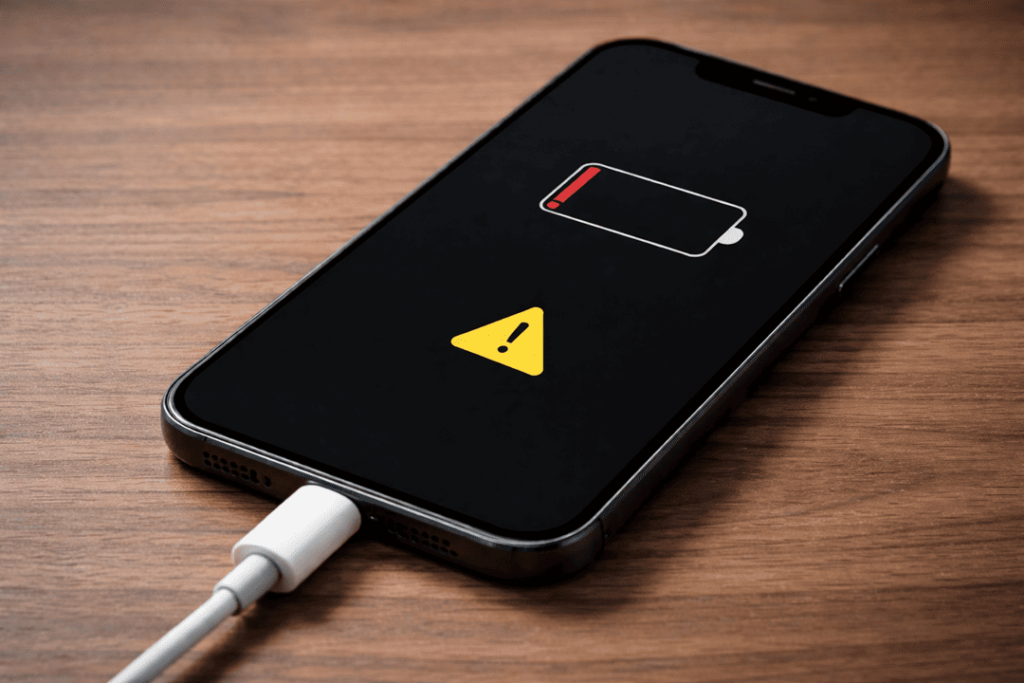
Having your phone refuse to charge or power on each day can ruin almost everything — right from making a work call to even getting connected with family. Initially you begin to consider upgrading your gadget, though, it is worth understanding what the causes of these problems are and how they can be prevented in the first place. The answer is often simpler than you imagine.
So here is a guide for you to know how to repair a Samsung mobile phone step by step, what it consists of, the causes that usually cause it and when they should leave any intervention in the hands of experts.
Common Reasons Why Your Samsung Phone Won’t Charge or Turn On
Identifying the problem with your butt is half of the solution, first step in recovery. Although it may sound dangerous, the problem is usually of lesser issues. Get details on Mobile Repair in Caroline Springs.
1. Faulty Charging Cable or Adapter
It happens that may be a faulty cable or an incompatible adapter stops charging. Efficiency decreases over time due to wear & tear.
2. Debris in Charging Port
Moreover there can be improper connection due to some lint, dust or moisture inside the charging port.
3. Battery Issues
After prolonged usage, batteries degrade. As a result, your mobile might not even charge or boot up.
4. Software Glitches
At times, your phone does not respond due to system crashes or firmware bugs.
5. Physical or Water Damage
Internal components can be compromised due to drops or exposure to water. Looking for a Samsung Smartphone Repair Service in Caroline Springs?
Quick Fixes You Should Try First
Before seeking professional Samsung mobile repair, try these practical steps:
- Change Charging Accessories: Different cable and adapter.
- Clean up the charging port: With a soft brush, scrape the junk out.
- Force Restart: Press the power and volume buttons together.
- Even the screen stays black charged for 30 Minutes because recovery time is needed.
- Give Wireless Charging a Go: If supported, this can help identify port issues.
Troubleshooting Comparison Table
| Issue | Possible Cause | Suggested Fix | Difficulty Level |
| Phone not charging | Faulty cable | Replace cable/adapter | Easy |
| Slow charging | Debris in port | Clean charging port | Easy |
| Phone not turning on | Battery drained | Charge for 30+ minutes | Easy |
| Random shutdown | Software glitch | Restart or update software | Medium |
| Completely dead phone | Hardware damage | Visit repair technician | Advanced |
When to Consider Professional Repair
Although DIY fixes work in many cases, certain signs indicate the need for expert help:
- Your phone shows no response at all
- Charging port feels loose or damaged
- Device overheats while charging
- Screen remains black despite charging attempts
With these types of issues, a certified technician can diagnose internal faults more accurately. Get details on OPPO Phone Repair Service in Caroline Springs.
Battery Replacement vs Repair: What’s Better?
Choosing between replacement and repair depends on the severity of the issue.
| Condition | Recommended Action | Cost Efficiency |
| Battery drains quickly | Replace battery | High |
| Charging port damaged | Repair port | Moderate |
| Motherboard failure | Full repair or replacement | Low |
In most cases, the expense of replacing the battery is easily warranted. However, motherboard repairs can be expensive and may not last long term.
Preventive Tips to Avoid Charging Issues
Check out some of the habits you can adopt to prevent complications in the future:
- Use original Samsung chargers
- Avoid overcharging overnight
- Keep your phone away from moisture
- Regularly clean the charging port
- Update software frequently
By following these steps, you can significantly extend your phone’s lifespan. Looking for a Xiaomi Phone Repair Service in Caroline Springs?
Why Choose Professional Samsung Phone Repair Services?
While DIY methods are helpful, professional repair services offer several advantages:
- Accurate diagnosis using advanced tools
- Genuine replacement parts
- Warranty-backed repairs
- Faster turnaround time
Moreover, professionals ensure your data remains secure during the process.
Related Articles:
» Smartphone Charging Port Repair in Caroline Springs
» Smartphone Power Button Repair in Caroline Springs
» Smartphone Case Repair in Caroline Springs
» Smartphone Software Problems Repair Service in Caroline Springs
» Smartphone Water Damage Repair Service in Caroline Springs
Simple Fixes and Expert Repairs to Bring Your Phone Back to Life
Dealing with a Samsung phone that won’t turn on or charge is kind of agonizing. However, just the most basic of problems must be settled as soon they arise. You save time and money by knowing the causes, and also implementing correct solutions.
But, if the problem continues, professional Samsung phone repair is definitely going to get you the device. In the end, preventive measures will make sure that your phone will work for you for many years.
FAQs: Samsung Phone Not Charging or Turning On
1. Why is my Samsung phone not charging even when plugged in?
It might be an unsuitable cable, debris in the charging port or it may’ve a defective power supply.
2. How do I fix a Samsung phone that won’t turn on?
Hard reset, plug in the charger for 30 mins or broken hardware.
3. Can a dead Samsung battery be revived?
Yes, If it is degraded, however, it needs to be totally replaced.
4. How much does Samsung charging port repair cost?
This is damage dependent but often low mid price range.
5. Is it safe to use third-party chargers?
No, Get Maximum Performance & Safety with Original Accessories.
6. What should I do if my phone overheats while charging?
First of all you have to disable it completely by not charging it and take a mobile engineer for asses fault.
7. Can software issues stop my phone from charging?
Charging problems can also be affected by firmware interfaces.
8. How long should I charge a completely dead Samsung phone?
Then Switch it ON after waiting at-least 30–60 minutes.
9. Does water damage affect charging?
Yes, I know water can rust out internal components, it will not charge.
10. Should I repair or replace my Samsung phone?
If you are going to cost fixing it, go get a replacement.
11. Can wireless charging fix charging problems?
This way you can easily check if the charging port itself is the problem.
12. Where can I get reliable Samsung phone repair?
You should make sure to look for official or independent well-established repair centres.